


Adobe Premiere Pro
FeaturedBy Adobe Premiere Pro
Industry-standard video editing software powered by advanced AI tools.
5.0(0 reviews)
2 views
Ai Video and Animationvideo editingai video editorpremiere proadobe firefly+4
Overview
<h3 data-path-to-node="3,3,1">Introduction to Adobe Premiere Pro</h3>
<p data-path-to-node="3,3,2">Adobe Premiere Pro is the industry-leading non-linear video editing (NLE) software designed for professional filmmakers, content creators, broadcasters, and digital artists. Known for its robust timeline-based editing suite, seamless ecosystem integration, and cutting-edge artificial intelligence capabilities, Premiere Pro streamlines the entire video production workflow from rough cut to final master export.</p>
<h3 data-path-to-node="3,3,3">Key AI Features & Capabilities</h3>
<ul data-path-to-node="3,3,4">
<li>
<p data-path-to-node="3,3,4,0,0"><strong data-path-to-node="3,3,4,0,0" data-index-in-node="0">Text-Based Editing:</strong> Transcribes source footage automatically, allowing editors to cut, rearrange, and assemble timelines simply by editing text documents just like a word processor.</p>
</li>
<li>
<p data-path-to-node="3,3,4,1,0"><strong data-path-to-node="3,3,4,1,0" data-index-in-node="0">Auto Reframe:</strong> Automatically detects focal points in widescreen video and reformats footage into vertical (9:16), square (1:1), or custom aspect ratios for different social media platforms.</p>
</li>
<li>
<p data-path-to-node="3,3,4,2,0"><strong data-path-to-node="3,3,4,2,0" data-index-in-node="0">Enhance Speech:</strong> AI-powered audio cleanup that instantly removes background noise and reverberation from dialogue, making amateur recordings sound like they were captured in a professional studio.</p>
</li>
<li>
<p data-path-to-node="3,3,4,3,0"><strong data-path-to-node="3,3,4,3,0" data-index-in-node="0">Generative Extend:</strong> Powered by Adobe Firefly, this tool seamlessly extends video clips or audio tracks to fit specific durations by generating contextually accurate visual and audio fillers.</p>
</li>
<li>
<p data-path-to-node="3,3,4,4,0"><strong data-path-to-node="3,3,4,4,0" data-index-in-node="0">Color Match & Auto Tone:</strong> Instantly matches color grades across different clips and balances exposure levels with a single click.</p>
</li>
</ul>
<h3 data-path-to-node="3,3,5">Core Features & Functionality</h3>
<ul data-path-to-node="3,3,6">
<li>
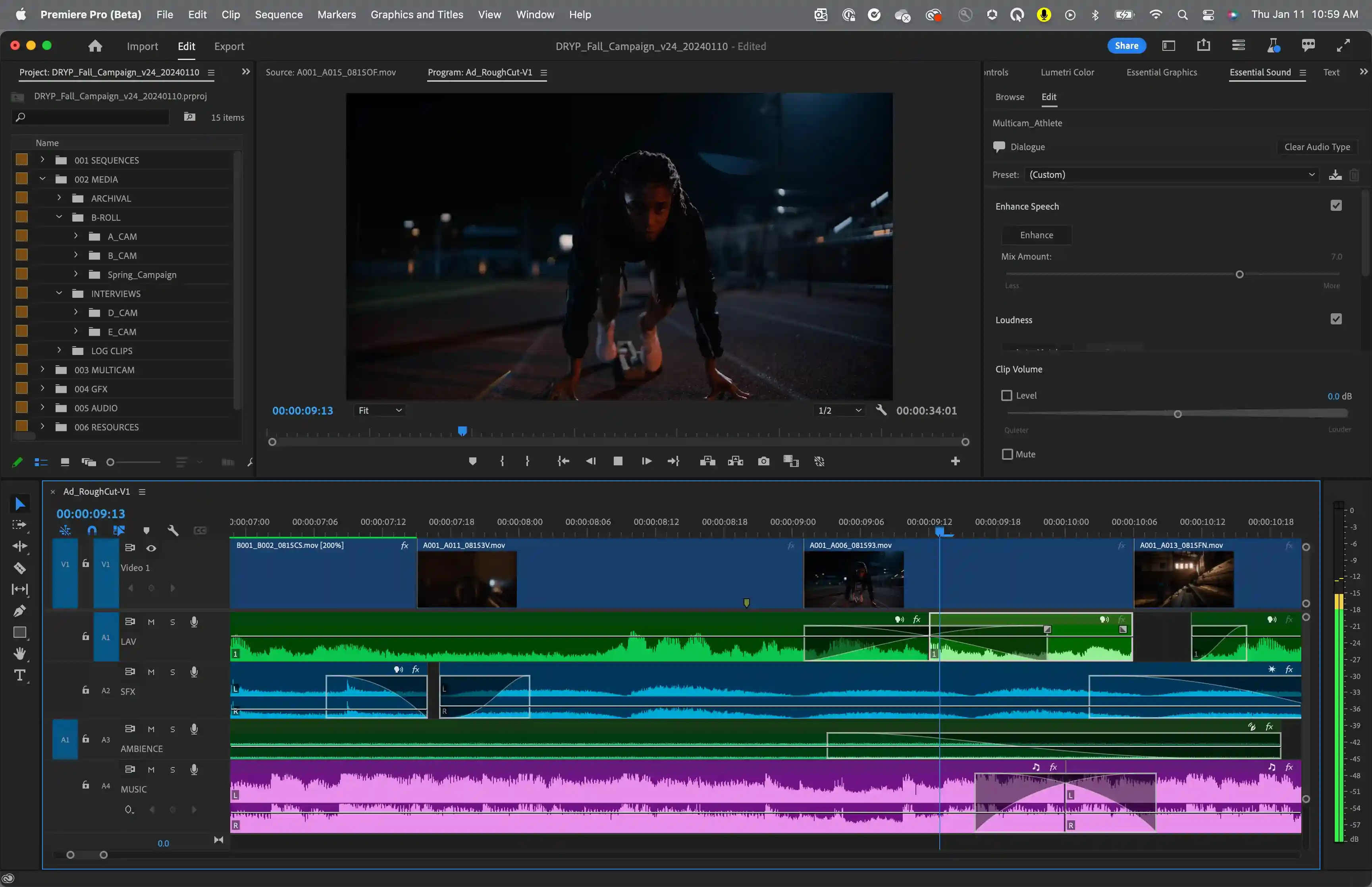
<p data-path-to-node="3,3,6,0,0"><strong data-path-to-node="3,3,6,0,0" data-index-in-node="0">Multi-Track Timeline:</strong> Advanced non-linear editing supporting unlimited video and audio tracks, nested sequences, and adjustment layers.</p>
</li>
<li>
<p data-path-to-node="3,3,6,1,0"><strong data-path-to-node="3,3,6,1,0" data-index-in-node="0">Lumetri Color Panel:</strong> Professional-grade color correction and grading tools featuring color wheels, curves, HDR support, and custom LUT management.</p>
</li>
<li>
<p data-path-to-node="3,3,6,2,0"><strong data-path-to-node="3,3,6,2,0" data-index-in-node="0">Essential Graphics & Motion Templates:</strong> Access to built-in lower thirds, animated titles, dynamic transitions, and customizable motion graphics templates (<code data-path-to-node="3,3,6,2,0" data-index-in-node="154">.mogrt</code>).</p>
</li>
<li>
<p data-path-to-node="3,3,6,3,0"><strong data-path-to-node="3,3,6,3,0" data-index-in-node="0">Multi-Camera Editing:</strong> Real-time synchronization and switching for multi-angle projects recorded across numerous cameras and audio devices.</p>
</li>
<li>
<p data-path-to-node="3,3,6,4,0"><strong data-path-to-node="3,3,6,4,0" data-index-in-node="0">Creative Cloud Ecosystem:</strong> Seamless dynamic linking with Adobe After Effects for complex visual effects, Audition for advanced audio mastering, and Photoshop for graphic asset management.</p>
</li>
</ul>
Screenshots & Demo
Similar AI Tools

Latest from Our Blog
Tips, tutorials and insights about AI tools and how to use them effectively.
GUIDE
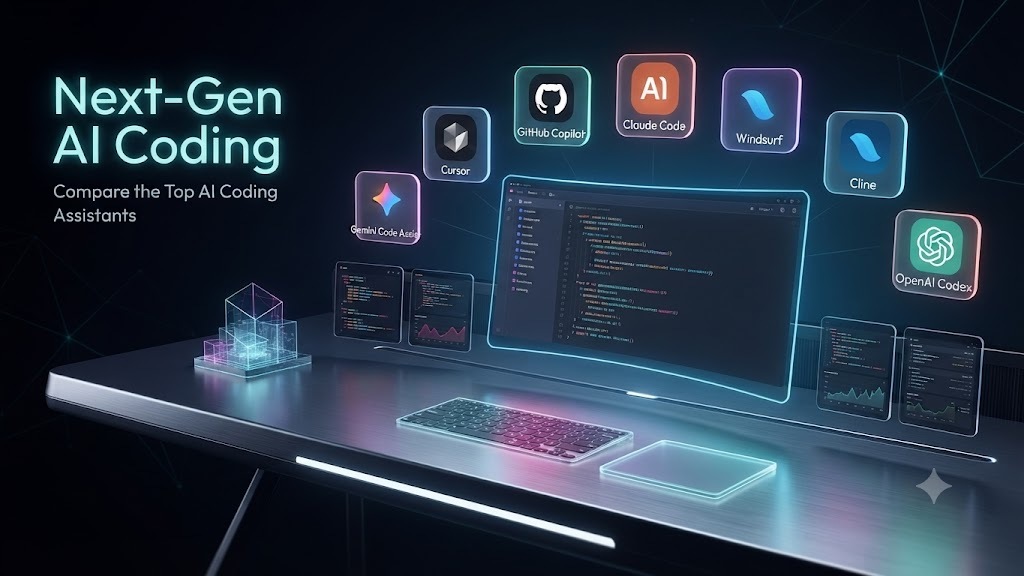
9 Best AI Coding Assistants in 2026: Cursor vs Copilot vs Claude Code Compared
Oct 14, 2026•5 min read
TUTORIAL
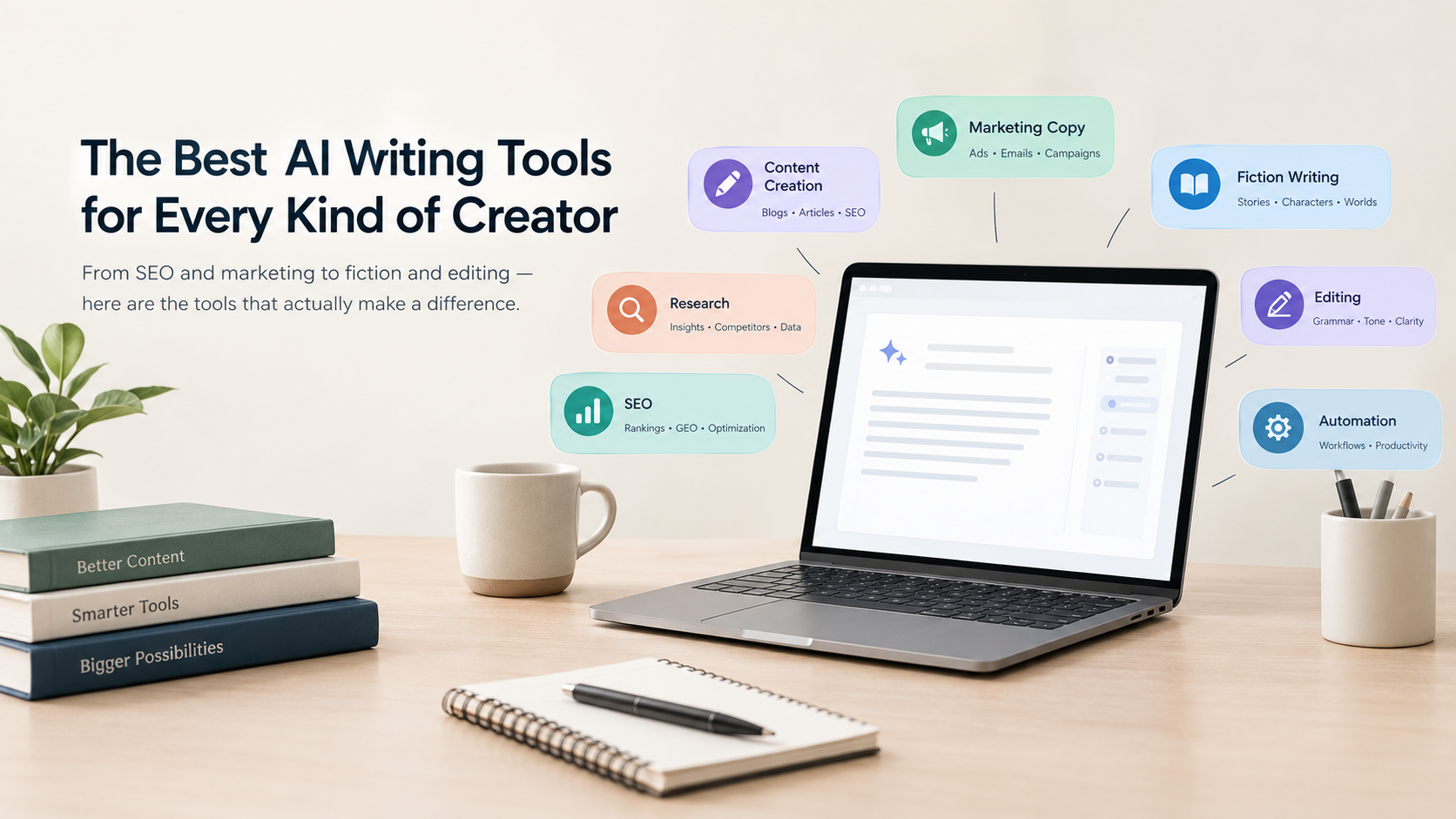
10 Best AI Writing Tools in 2026 (Tested for SEO, Fiction and Marketing)
Oct 14, 2026•5 min read

TIPS
How to Submit Your AI Tool to Directories and Get Found (The Complete Guide)
Apr 20, 2026•5 min read

INSIGHTS
How to Optimize SEO Content Using AI Writing Assistants
Mar 22, 2026•5 min read
Reviews & Community Ratings
Average rating: 5.0 out of 5 (1 total reviews)
Rate Adobe Premiere Pro
Click to rate
Community Reviews (0)
No community reviews yet. Be the first to share your experience with Adobe Premiere Pro!
Tool Information
Pricing
Basic
Paid plans from $22.99/month
CategoryAi Video and Animation
Sub Categories
Video Editing and Post-Production
Created ByAdobe Premiere Pro
LaunchedAug 2003
LanguagesMulti-language support
PlatformsWeb, iOS, Android, Desktop