

designmakerai
By designmakerai
Context-aware software development platform for rapid engineering workflows.
Overview
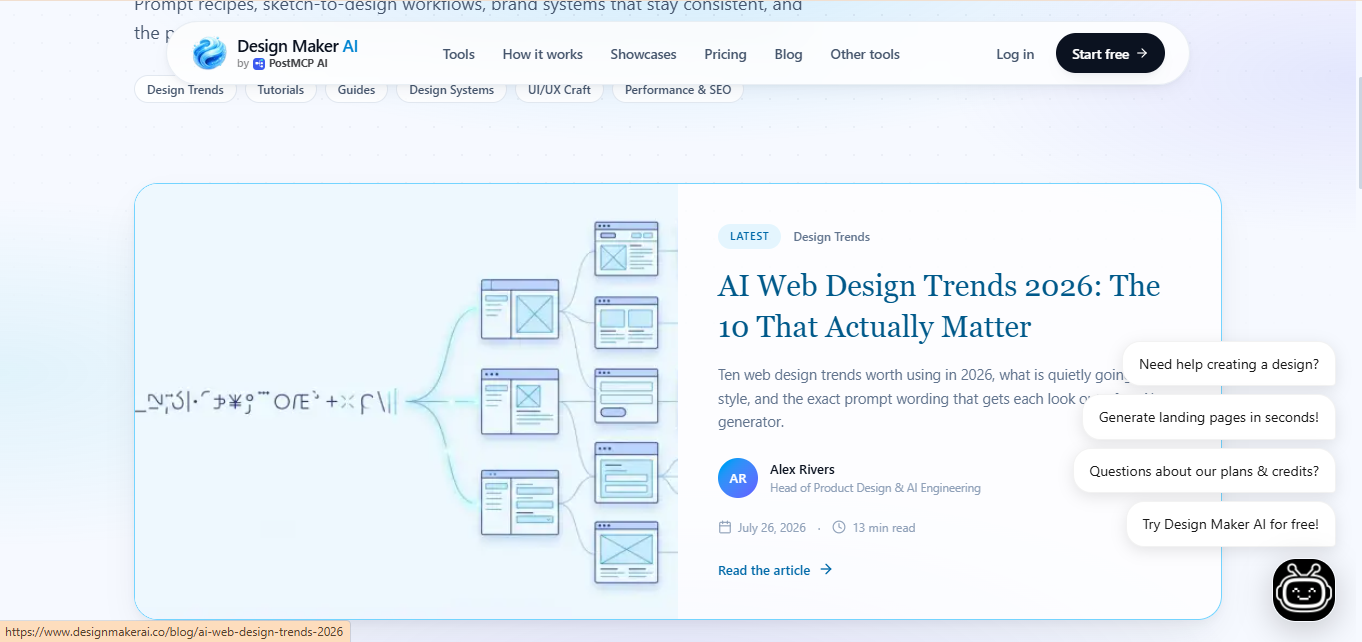
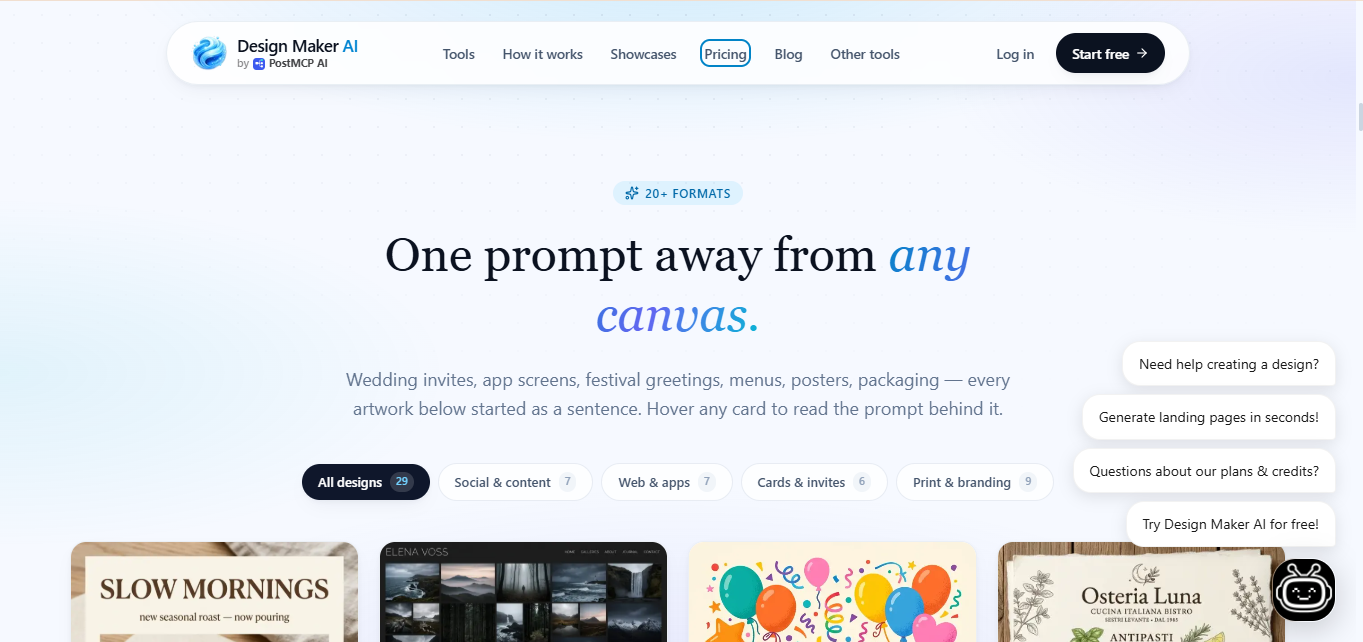
Summary: DesignMaker AI is an AI-powered graphic design and UI mockup studio that transforms text prompts or rough sketches into fully composed landing pages, marketing collateral, infographics, and social media assets.
What is DesignMaker AI?DesignMaker AI is an intelligent visual creation platform built to eliminate the blank canvas problem.
By interpreting natural language descriptions or user references, the platform automatically handles layout composition, copywriting, imagery selection, and spacing. It bridges the gap between text ideation and production-ready visual assets across digital and print formats. Users can further tweak every detail through conversational chat refinements before exporting completed designs in seconds.
Verifiable Stats:
-
Core Capability: Text-and-sketch to UI mockup and graphic design generation.
-
Key Formats: Landing pages, UI mockups, infographics, posters, social media posts, and marketing collateral.
-
Editing Workflow: Natural language chat-based refinement for fine-tuning text, layouts, and styles.
-
Target Audience: Startups, marketers, indie makers, product designers, and creators.
-
Pricing Model: Tiered subscription structure (Starter, Pro, Business) based on monthly generation credits.
Screenshots & Demo
Key Features
Core capabilities and functionalities provided by designmakerai.
Context-Aware Code Completion & Synthesis
Delivers low-latency inline code completions, multi-token suggestions, and semantic completions customized to the repository context.
Multi-File Codebase Indexing & Exploration
Deeply scans project files, dependency trees, and symbol references to provide comprehensive cross-file edits and refactorings.
Automated Git & Terminal Workflow Automation
Executes shell commands, analyzes test runs, resolves syntax and runtime bugs, and crafts clean commit messages and pull requests.
Architectural Refactoring & Security Audit
Spots security vulnerabilities, dead code paths, and architectural smells, providing one-click semantic fixes and unit tests.
Native IDE & CLI Integration
Seamlessly operates within developer terminals and mainstream code editors without interrupting daily engineering flow.
Pros & Cons
Key strengths and potential limitations of designmakerai.
What We Like
- Transforms text prompts and rough sketches instantly into polished, production-ready landing pages, UI mockups, and marketing graphics.
- Features an intuitive conversational chat interface that allows users to modify layouts, colors, and text seamlessly without manual layer adjustments.
- Supports sketch-to-design conversion, turning hand-drawn wireframes and napkin concepts into structured digital layouts with high accuracy.
- Generates clean typographic hierarchies and well-balanced compositions that eliminate the traditional blank canvas bottleneck.
- Provides versatile output formats ranging from website UI mockups and ad creatives to infographics and presentation slides.
Where It Falls Short
- Lacks a robust free tier, requiring users to subscribe to a paid tier to access consistent monthly generation credits.
- Complex custom vector work, fine-grained pixel manipulation, and deep design system controls are limited compared to traditional professional tools.
- AI-generated layouts can occasionally require manual chat refinements or tweaks if the initial prompt interpretation misses specific structural nuances.
- Relies entirely on an active cloud-based web environment, meaning offline design creation or local rendering is unsupported.
- Monthly generation credit systems mean heavy users or multi-project agencies can exhaust limits quickly during intensive ideation phases.
Use Cases
Discover common workflows and scenarios where designmakerai excels.
AI Landing Page & Web UI Mockups
Convert text descriptions and rough product ideas into fully structured, conversion-optimized landing page designs and website UI mockups in seconds.
Rapid Social Media Graphic Generation
Produce eye-catching social media posts, story graphics, and promotional banners tailored for multiple platforms using natural language prompts.
Conversational Design Refinement
Modify colors, rearrange layout sections, and edit copy seamlessly by typing simple chat commands rather than adjusting manual layers.
Data Infographic & Chart Creation
Transform raw numbers, statistics, and business summaries into clean, visually compelling infographics and diagrams.
Marketing & Ad Creative Production
Generate high-converting digital ad visuals, promotional flyers, and marketing collateral for product launches and campaigns.
Sketch-to-Design Prototyping
Upload rough hand-drawn wireframes or napkin sketches and watch the AI instantly transform them into polished digital designs and UI layouts.
Brand Pitch Deck & Presentation Slides
Draft professional presentation decks, investor pitch slides, and business overviews with well-balanced typographic hierarchies.
Bulk Asset Variation Testing
Generate multiple design variations simultaneously from a single prompt to test different aesthetic styles, color palettes, and layouts.
Similar AI Tools








Latest from Our Blog
Tips, tutorials and insights about AI tools and how to use them effectively.

ChatGPT for Brand Voice: Can It Sound Like You?

ChatGPT for Marketing: The Complete 2026 Guide

Best AI Tools for Real Estate Agents in 2026: Listings, Leads and Follow-Up

Google Gemini vs ChatGPT: Which AI Assistant Should You Actually Use?
Reviews & Community Ratings
Average rating: 8.5 out of 5 (1 total reviews)
Rate designmakerai
Community Reviews (0)