

Ella by Novella
By Ella by Novella
AI-powered coding companion built for high-velocity software engineering.
Overview
Summary: Ella by Novella is an all-in-one AI video creator workspace and browser-based editor that consolidates multiple foundational generative AI models, native cloud editing, and asset management into a single Chrome sidebar.
What is Ella by Novella?Ella by Novella is a browser extension and web application designed to eliminate tool fragmentation for AI filmmakers, content marketers, and creators. Instead of forcing users to juggle multiple tabs and platforms for generation, editing, and audio adjustments, Ella brings dozens of leading generative AI models (such as Kling, Seedance, Veo, and Hailuo) directly into a unified sidebar.
Users can write text prompts to generate cinematic stories, animate video clips, and immediately edit, trim, and arrange their timeline right inside the browser without heavy software or complex rendering hardware.
Verifiable Stats:
-
Platform Form Factor: Operates as a lightweight Chrome extension sidebar and web app.
-
Model Integration: Consolidates multiple top-tier generative video models (including Kling, Seedance, Veo, and Hailuo) into one interface.
-
Core Features: Combines text-to-video generation, image-to-video capabilities, a native cloud-based timeline editor, and cloud storage.
-
Target Audience: Built for video creators, AI filmmakers, social media managers, and marketing teams.
-
Access & Pricing: Offered with a free Chrome extension download alongside upgraded subscription paths and credit-based usage tiers
Screenshots & Demo
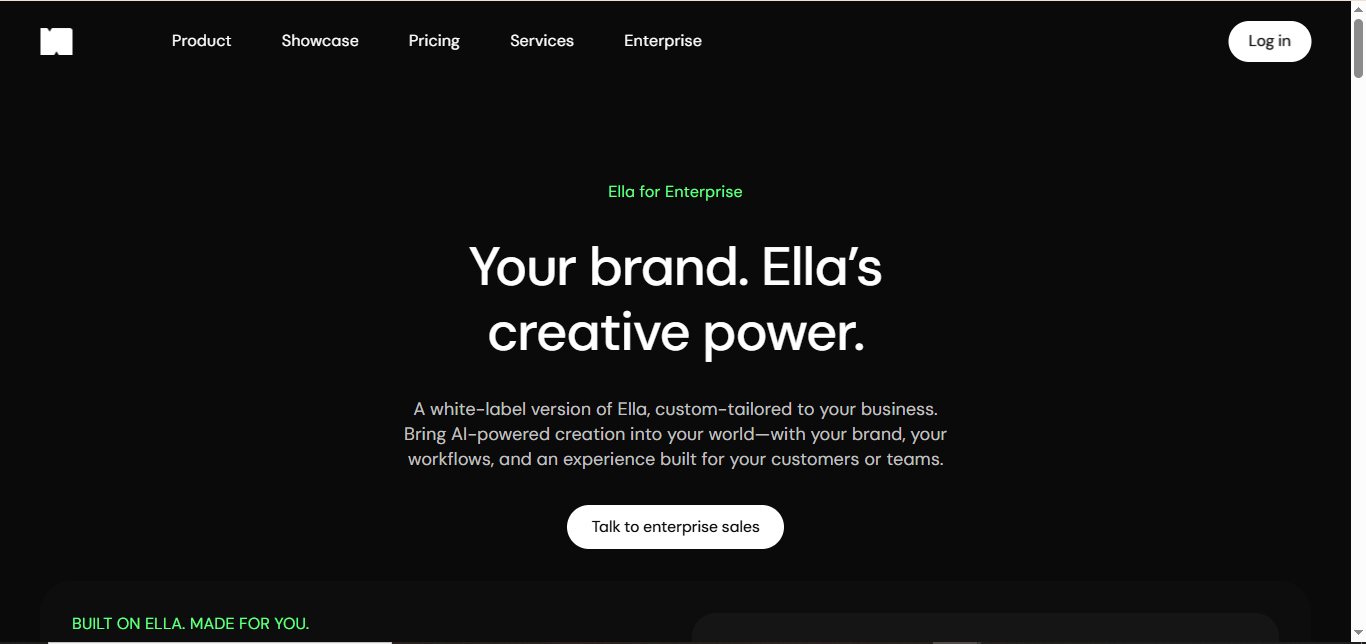
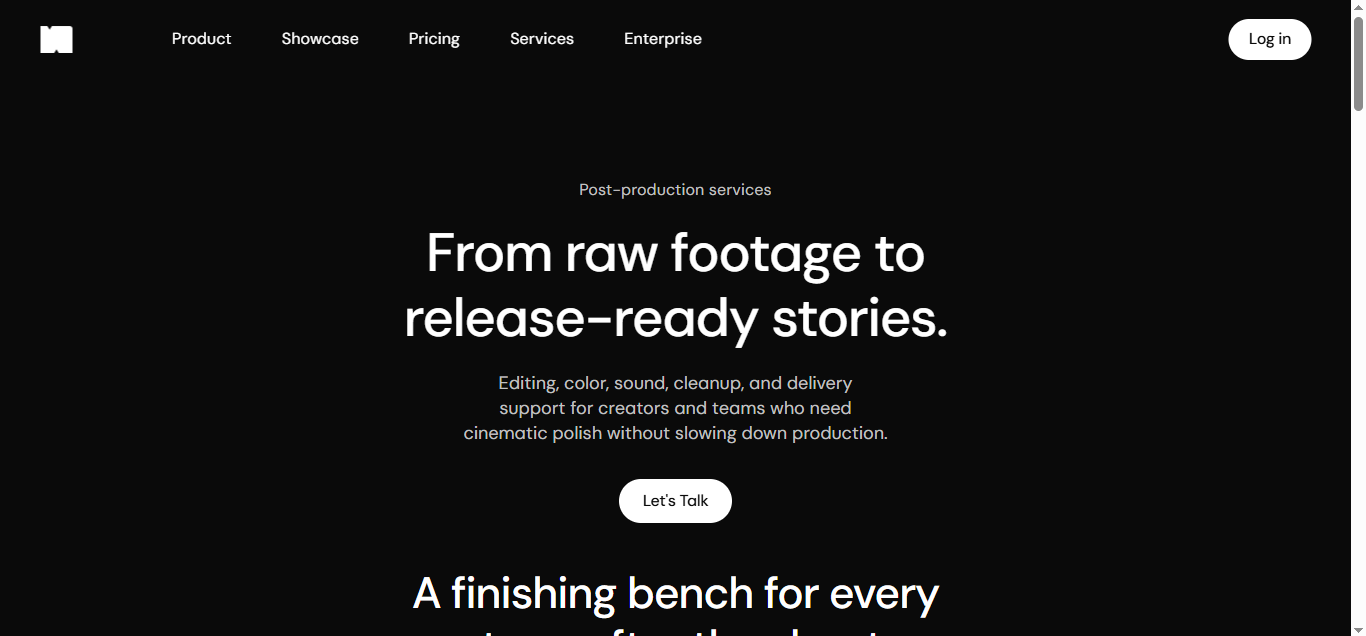
Key Features
Core capabilities and functionalities provided by Ella by Novella.
Multi-Model AI Generation
Consolidates top-tier foundational video and image generation models—such as Kling, Seedance, Veo, and Hailuo—into a single interface.
Built-in Cloud Timeline Editor
Allows you to instantly trim, sequence, arrange, and shape your generated clips and audio assets natively in the cloud.
Browser Context & Prompt Capture
Captures text, research, or content directly from web pages and refines them into actionable creative prompts on the fly.
High-Resolution Export & Storage
Supports clean 1080p and 4K video exports with cloud asset storage to keep your projects organized and ready for distribution.
Chrome Sidebar Workspace
Lives right inside your Chrome browser as a lightweight sidebar extension so you can create and manage videos without juggling multiple browser tabs.
Pros & Cons
Key strengths and potential limitations of Ella by Novella.
What We Like
- Integrates multiple top-tier foundational video models (like Kling, Seedance, Veo, and Hailuo) into a single unified workspace.
- Convenient Chrome sidebar design allows you to create and manage videos without juggling multiple browser tabs.
- Includes a built-in cloud timeline editor for trimming, arranging, and polishing clips right in the browser.
- Supports quick context capture from web pages to streamline prompt generation and creative research.
- Offers flexible aspect ratios (such as vertical, horizontal, and square) tailored directly for social media platforms.
Where It Falls Short
- Heavy reliance on a stable internet connection and browser performance since it operates primarily as a cloud-based extension.
- Credit-based usage limits can deplete quickly when experimenting with high-resolution video generation models.
- Advanced features and higher-resolution video outputs require paid subscription tiers or credit top-ups.
- Limited offline functionality due to its heavy reliance on cloud processing and remote AI model servers.
- Potential learning curve when navigating and managing multiple distinct underlying AI video models within a single sidebar interface.
Use Cases
Discover common workflows and scenarios where Ella by Novella excels.
Cinematic AI Video Generation
Describe any concept or story in a text prompt to instantly generate professional, high-fidelity video clips using top-tier foundational models like Kling, Veo, and Seedance.
Browser-Based Context & Web Research Capture
Capture text, articles, or research directly from active browser tabs through the Chrome sidebar and instantly refine them into actionable creative prompts.
Integrated Cloud Timeline Editing
Seamlessly trim, sequence, arrange, and time your generated video clips and audio assets right inside the browser without downloading files or switching software.
AI Voiceover & Audio Production
Generate natural-sounding voiceovers, spoken narration, and synchronized sound assets to accompany your visual scenes.
Rapid Social Media & Marketing Campaigns
Allow creators, marketers, and social teams to produce, polish, and export platform-ready short-form video variants for YouTube, TikTok, and Instagram in record time.
Image-to-Video Animation
Upload static product photos, artwork, or campaign designs and use AI motion templates to transform them into engaging moving visual assets.
Multi-Model Comparison & Prototyping
Test and compare outputs from different underlying video generation models side-by-side within the same workspace to find the best fit for your specific creative vision.
Cloud Asset Storage & Management
Store, organize, and retrieve all generated video iterations, audio tracks, and source assets securely in the cloud across sessions and devices.
Similar AI Tools






Latest from Our Blog
Tips, tutorials and insights about AI tools and how to use them effectively.

ChatGPT for Brand Voice: Can It Sound Like You?

ChatGPT for Marketing: The Complete 2026 Guide

Best AI Tools for Real Estate Agents in 2026: Listings, Leads and Follow-Up

Google Gemini vs ChatGPT: Which AI Assistant Should You Actually Use?
Reviews & Community Ratings
Average rating: 5.0 out of 5 (1 total reviews)
Rate Ella by Novella
Community Reviews (0)