

Flyne AI
By Flyne AI
Context-aware software development platform for rapid engineering workflows.
Overview
Summary: Flyne AI is an all-in-one AI image and video creation platform that transforms text prompts, images, and reference videos into creative visual content. It brings multiple AI generation models, including Nano Banana, Seedream, Kling, Seedance, Sora, and Google Veo, into a single workspace. Users can generate images, create AI videos, edit existing visuals, produce UGC-style content, and enhance photographs using specialized AI tools. Flyne AI also offers a prompt assistant, AI Canvas, and credit-based pricing with a free plan for new users.
What is Flyne AI?
Flyne AI is an AI-powered creative platform designed to simplify image and video production through artificial intelligence. It allows users to convert written descriptions and existing images into visual content without requiring advanced graphic design or video editing skills.
The platform provides a collection of AI image-generation tools, including text-to-image, image-to-image, AI avatars, product photography, virtual try-on, background replacement, image upscaling, and photo restoration. Users can also edit existing images, remove unwanted objects, change backgrounds, and transform photographs into different artistic styles.
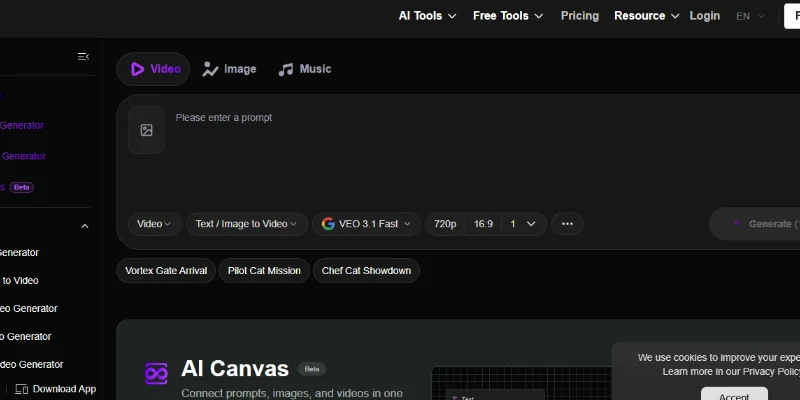
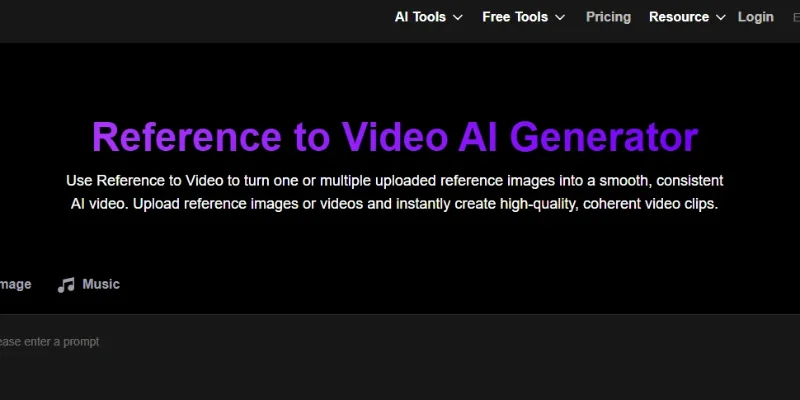
For video creation, Flyne AI offers text-to-video, image-to-video, reference-to-video, video-to-video, UGC video generation, product videos, talking avatars, and specialized AI video effects. These features are useful for creating social media content, promotional videos, product demonstrations, and short-form entertainment videos.
One of its major advantages is access to multiple AI models from a single platform. Its listed models include Nano Banana, Seedream, Recraft, Ideogram, Kling, Seedance, Sora, Google Veo, Hailuo, and other image and video generation models. This gives users different creative options without needing separate accounts on every model provider.
Flyne AI also includes a Smart Prompt Assistant that helps users improve their prompts and generate more suitable visual outputs. Its AI Canvas, currently marked as beta, provides a workspace for connecting prompts, images, and videos during the creative process.
The platform follows a credit-based pricing system. It offers a free plan with starter credits and daily check-in credits, alongside paid subscriptions and one-time credit packages. Paid plans include higher-quality generation, faster queues, private generations, longer history, and advertised commercial-use rights.
Verifiable Stats
-
Tool Name: Flyne AI.
-
Official Website: https://flyne.ai/
-
Developer/Company: Hey Dream Tech Limited, according to the website's footer.
-
Primary Function: AI image generation, video creation, and visual editing.
-
AI Models: Includes Nano Banana, Seedream, Recraft, Ideogram, Kling, Seedance, Sora, and Google Veo.
-
Image Capabilities: Text-to-image, image-to-image, image editing, background removal, upscaling, and photo restoration.
-
Video Capabilities: Text-to-video, image-to-video, reference-to-video, video-to-video, and UGC video generation.
-
AI Canvas: Offers a beta workspace for connecting prompts, images, and videos.
-
Pricing Model: Freemium with credit-based subscriptions and one-time credit packages.
-
Free Plan: Advertises 40 starter credits, 20 daily check-in credits, and five free AI tool uses per day.
Screenshots & Demo

Key Features
Core capabilities and functionalities provided by Flyne AI.
Context-Aware Code Completion & Synthesis
Delivers low-latency inline code completions, multi-token suggestions, and semantic completions customized to the repository context.
Multi-File Codebase Indexing & Exploration
Deeply scans project files, dependency trees, and symbol references to provide comprehensive cross-file edits and refactorings.
Automated Git & Terminal Workflow Automation
Executes shell commands, analyzes test runs, resolves syntax and runtime bugs, and crafts clean commit messages and pull requests.
Architectural Refactoring & Security Audit
Spots security vulnerabilities, dead code paths, and architectural smells, providing one-click semantic fixes and unit tests.
Pros & Cons
Key strengths and potential limitations of Flyne AI.
What We Like
- Multiple AI Models in One Platform: Flyne AI provides access to several popular image and video models, including Nano Banana, Seedream, Kling, Seedance, Sora, and Google Veo, reducing the need to switch between different platforms.
- Comprehensive Image and Video Tools: Users can generate images, create videos, edit photographs, remove backgrounds, upscale images, and apply creative effects within one workspace.
- Beginner-Friendly Creation Process: Its prompt-based interface and Smart Prompt Assistant help users create visual content without advanced design or video-editing skills.
- Useful for Marketing and E-commerce: Features such as AI product photography, UGC-style videos, and talking avatars support promotional content and product demonstrations.
- Free Plan Available: New users can explore the platform with starter credits and daily check-in credits before purchasing a subscription
Where It Falls Short
- Credit-Based Usage Limitations: Image and video generation consume credits, and frequent users may need to purchase additional credits or upgrade their subscriptions.
- Output Quality Varies by Model: Results can differ depending on the selected AI model, prompt quality, and generation settings.
- Learning Curve Across Multiple Models: Beginners may need time to understand which model and settings work best for different creative tasks.
- Dependence on Internet Connectivity: As a cloud-based platform, Flyne AI requires a stable internet connection to access its generation and editing features.
- Limited Control Compared with Professional Software: Advanced designers and video editors may find its editing controls less comprehensive than dedicated professional tools.
Use Cases
Discover common workflows and scenarios where Flyne AI excels.
Social Media Content Creation
Content creators can generate eye-catching images, short videos, reels, and visual posts for Instagram, TikTok, Facebook, and other social media platforms.
AI Video Advertisement Creation
Marketers can create promotional videos, product advertisements, and branded visual content using text-to-video and image-to-video generation tools.
E-commerce Product Photography
Online sellers can generate professional-looking product images, replace backgrounds, and create attractive product visuals without arranging traditional photoshoots.
UGC-Style Marketing Videos
Brands can create user-generated-content-style promotional videos to showcase products, communicate product benefits, and support advertising campaigns.
AI Image Generation
Designers and creators can turn written prompts into original visual concepts, illustrations, artistic images, and creative graphics.
Product Demonstration Videos
Businesses can transform product images and reference visuals into engaging videos that demonstrate product appearance, features, and use cases.
AI Avatar and Portrait Creation
Users can generate AI avatars, profile pictures, and creative portraits for personal branding, digital profiles, and online content.
Image Editing and Background Replacement
Photographers, designers, and online sellers can remove unwanted objects, change backgrounds, restore photographs, and improve existing images.
Similar AI Tools

Synthesys AI
Turn Text into Professional AI Videos and Voiceovers Instantly

Wayin Video
Turn Long Videos into Viral Clips or Create Cinematic AI Videos

Luma Labs
Next-Gen AI Video Generator, Ray Models & Interactive 3D World Capture

Runway ML
Next-Generation AI Video Generation & Creative Multimodal Studio
Kling 3.0
Kling 3.0

WAN 3.0 Video
WAN 3.0 Video

Clipin AI
Turn Product Photos into Scroll-Stopping UGC Videos with AI

Synthesys
Create AI videos with realistic avatars and voices
Latest from Our Blog
Tips, tutorials and insights about AI tools and how to use them effectively.

The 10 Best AI Data Analysis Tools in 2026: ChatGPT, Copilot, and Julius AI Compared
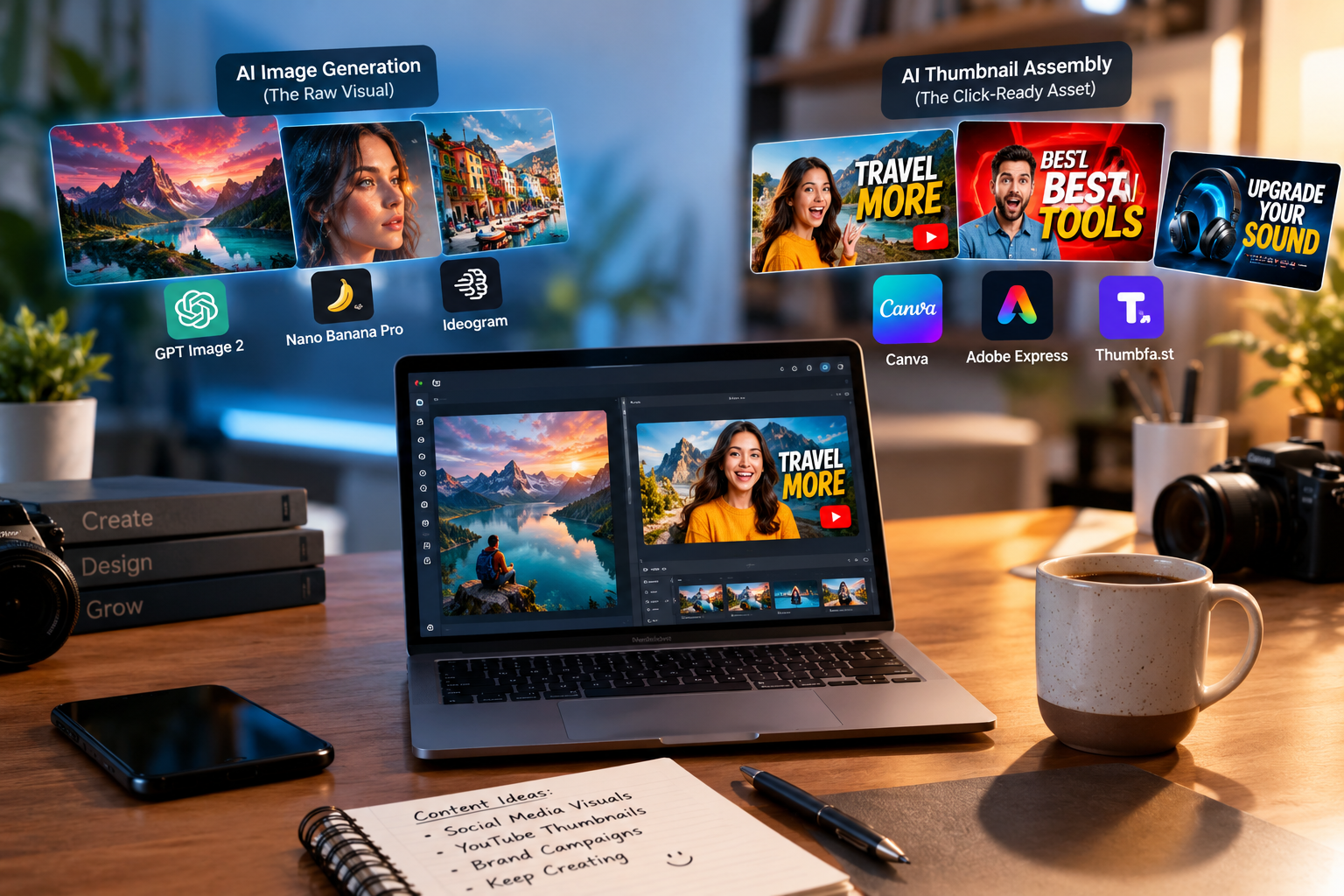
Best AI Tools for Social Media and Thumbnails in 2026

Top AI Tool Directories to Submit To: Complete Guide (2026)

Best Paid AI Tools Worth the Money in 2026: Complete Guide
Reviews & Community Ratings
No reviews yet — be the first to rate and review this tool!
Rate Flyne AI
Community Reviews (0)