

Granola AI
By Granola AI
AI meeting notepad combining human meeting notes with audio transcript summaries.
Overview
Summary
Title: Granola AI
Definition: Granola AI is an AI-powered meeting notetaker and workspace assistant designed specifically for macOS that captures, transcribes, and structures meeting notes from internal audio and system feeds.
What is Granola AI?
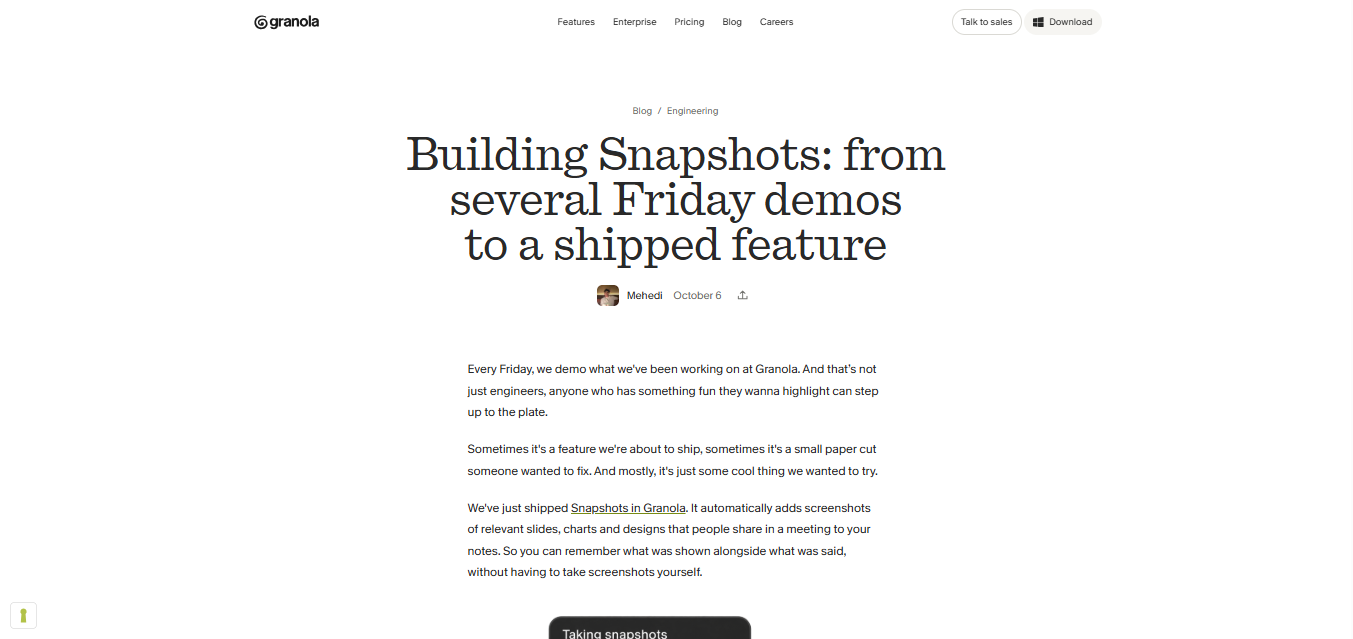
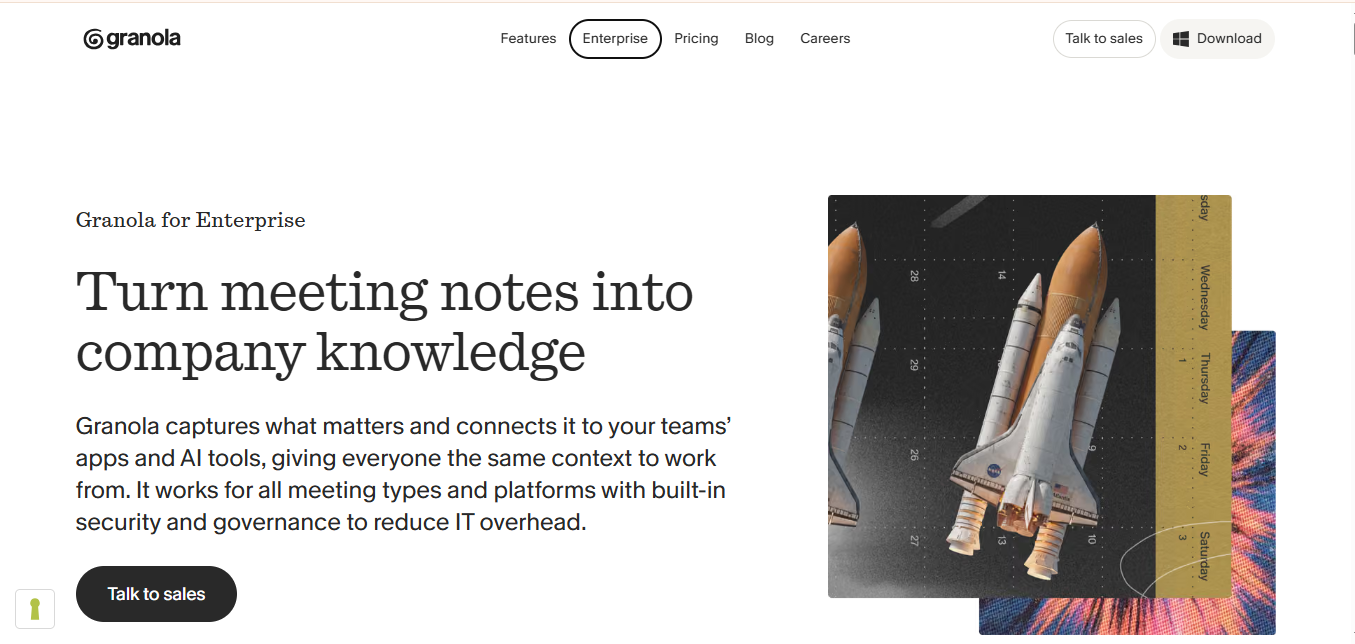
Granola AI operates as an intelligent "notepad for meetings" rather than a conventional transcription bot that joins video calls as an unwelcome participant. Running natively as a desktop app on macOS, Granola records audio locally (with user consent), transcribes dialogue, and integrates with calendar metadata to understand who is in the meeting.
Instead of generating generic, monolithic summaries, Granola allows users to take their own manual bullet points during a call and uses AI to merge those fragments with the full transcript. This results in tailored meeting notes, clean action items, and follow-up emails that reflect the user's personal perspective. It is widely used by founders, venture capitalists, product managers, and consultants who spend hours in back-to-back client calls.
Verifiable Stats
-
Platform Architecture: Built specifically as a native desktop application for macOS with local and secure audio capture pipelines.
-
Meeting Workflow Integration: Automatically syncs with Apple Calendar and Google Calendar to pull contextual meeting data, attendee names, and agenda titles.
-
Hybrid Note Synthesis: Combines real-time AI transcription with user-authored shorthand bullets to generate contextualized summaries and action items.
-
Pricing & Access: Operates via a freemium model with a free tier and professional subscription plans for advanced AI summaries and unlimited meeting storage.
Screenshots & Demo
Key Features
Core capabilities and functionalities provided by Granola AI.
High-Fidelity Generative Rendering
Generates photorealistic images, vector graphics, and creative artwork from natural language prompts and reference aesthetics.
Precision Inpainting & Generative Fill
Enables pinpoint regional editing, background replacement, object removal, and seamless texture expansion.
Style Consistency & Concept Conditioning
Maintains consistent character features, color palettes, and brand guidelines across sequential frames and design campaigns.
Ultra-HD Upscaling & Multi-Format Export
Upscales creative assets to 4K/8K resolution with crisp edge retention suitable for digital and print production.
Pros & Cons
Key strengths and potential limitations of Granola AI.
What We Like
- High-precision AI outputs with strong contextual grounding and minimal latency.
- Intuitive user experience with seamless integration into established daily workflows.
- Flexible tiering with Freemium options enabling easy evaluation before commitment.
Where It Falls Short
- Full throughput quotas and enterprise collaboration features require paid tier upgrade.
- Requires stable high-speed internet connection for cloud model inference and telemetry.
Use Cases
Discover common workflows and scenarios where Granola AI excels.
Enterprise Workflow & Knowledge Automation
Connect fragmented company knowledge bases into a unified semantic assistant for real-time employee problem solving.
Creative Content Generation & Brand Prototyping
Generate high-impact copy, visual campaign assets, and strategic pitches tailored to distinct target audiences.
Operations & Ticket Resolution Acceleration
Empower operational units to rapidly categorize, triage, and answer complex customer inquiries with high factual fidelity.
Similar AI Tools





Latest from Our Blog
Tips, tutorials and insights about AI tools and how to use them effectively.

ChatGPT for Brand Voice: Can It Sound Like You?

ChatGPT for Marketing: The Complete 2026 Guide

Best AI Tools for Real Estate Agents in 2026: Listings, Leads and Follow-Up

Google Gemini vs ChatGPT: Which AI Assistant Should You Actually Use?
Reviews & Community Ratings
Average rating: 5.0 out of 5 (1 total reviews)
Rate Granola AI
Community Reviews (0)