

AI Tools List: The Complete Guide to Finding the Right AI Tool
Most AI tools lists rank products by popularity. We rank them by task fit, data safety, and cost to scale. Read the complete guide and find your next tool in under ten minutes.
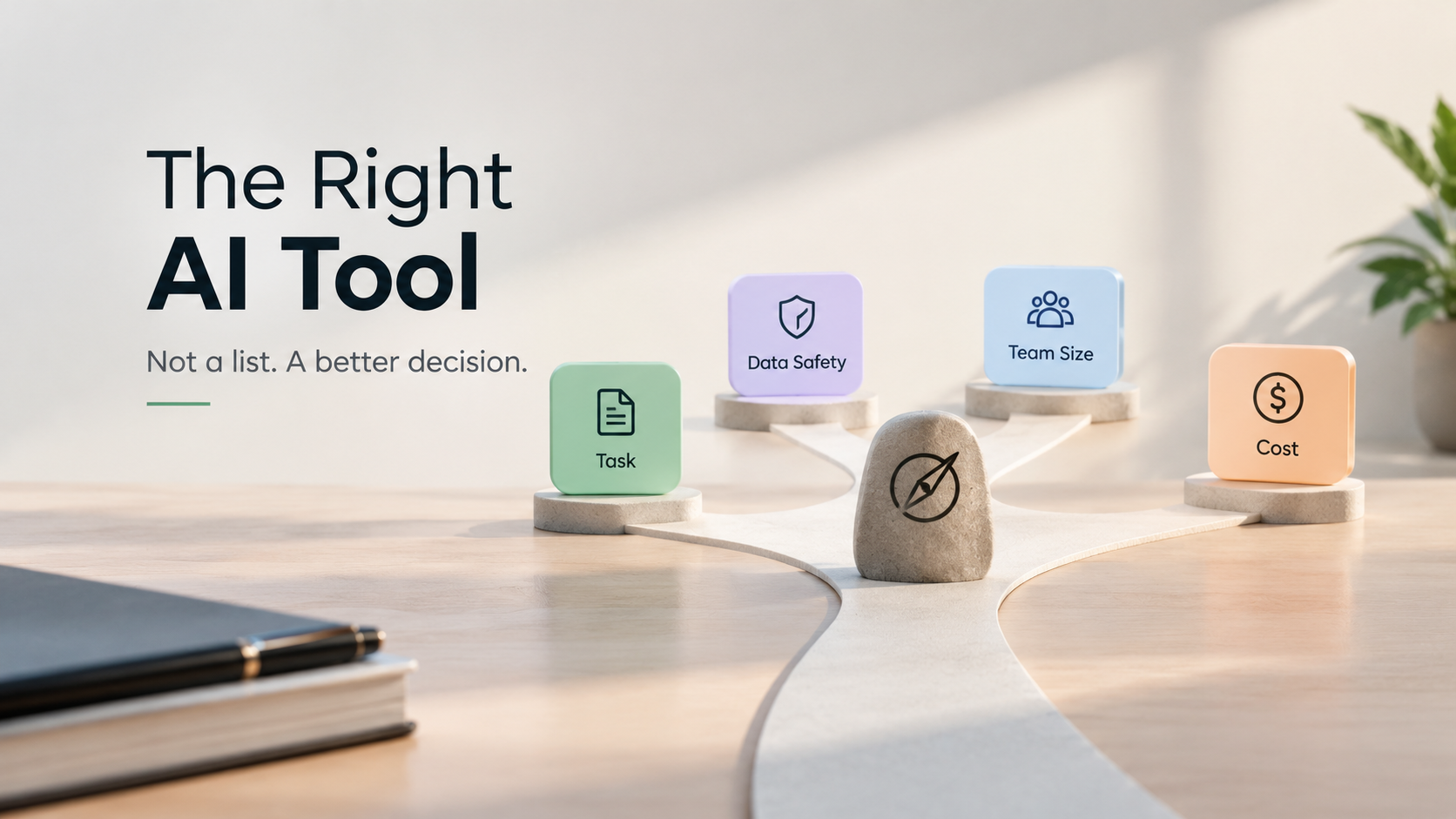
The best AI tools list is not a ranking; it is a decision filter. Start by defining the task, the data sensitivity, and the team size. Then match the tool’s strengths to those constraints. AIToolsZone curates verified tools so you spend less time comparing and more time working.
Finding the right AI tool starts with one question: what decision are you trying to make? Most people browse lists by product name and price. That approach leads to wasted subscriptions and unused software. Instead, filter every option through three checks: task fit, data safety, and total cost at your team size.
Why Most AI Tools Lists Fail You
The Product-First Problem
A list of 100 tools is not a strategy. When you start with product names, you inherit the vendor’s framing. You end up comparing features you do not need and overlooking constraints that actually matter. The global AI market reached $514.5 billion in 2026, growing 19% year over year. With that much money flowing, every vendor claims to be the best. The only defense is a framework that starts with your needs, not their marketing.
The Missing Filter: Your Data
Most AI tools list articles ignore the one question that can get you fired: where does your data go? Microsoft’s own enterprise training recommends prioritizing tools with data isolation, encryption at rest and in transit, and audit logs. Consumer guides rarely mention this. For a small business or a solo professional, a data leak is not an inconvenience. It is a liability. Any tool you choose must pass a basic data safety check before you look at its features.
What Is the Best AI Tool for You? A 4 Step Selection Framework
The best AI tool is the one that removes a specific workflow without creating a new risk. Use this sequence.
Step 1: Define the Task in One Sentence
Write down the exact task you want to automate or accelerate. “Help me write better emails” is too vague. “Draft follow up emails from meeting notes in under two minutes” is testable. MIT Sloan professor Rama Ramakrishnan recommends breaking tasks into small, discrete parts and considering the margin for error. High stakes tasks like medical or legal analysis demand more accuracy than drafting ad copy. Name the task and its error tolerance before you browse.
Step 2: Classify Your Data Sensitivity
Label the data the tool will touch: public, internal, confidential, or regulated. A public content brainstorming tool has different requirements than one that reads customer contracts. If the tool cannot tell you where your data is stored and whether it trains on your inputs, eliminate it. Enterprise controls are not just for enterprises. They are for anyone who handles client information.
Step 3: Calculate the Cost to Scale
A $20 per month plan is not a $20 per month decision. If five people on your team need access, that is $1,200 per year. The pricing landscape has bifurcated: capable free tiers now exist alongside $100 to $200 power user plans. Ask the vendor for the cost at 1 user, 10 users, and 50 users. Any tool that hides team pricing behind a sales call should be treated with caution.
Step 4: Check the Update Cadence
The AI tool you choose today will be different in six months. Between March and October 2026, the top ranked model changed hands multiple times across benchmarks. A tool that updates its model quietly without changelogs is a black box. A tool that publishes release notes and model version history is a partner. Prefer the partner.
AI Tools List: The Verified Shortlist for 2026
This table is a starting point, not a final answer. Use the framework above to decide which category matters for your next task. Every tool listed here has a public pricing page and a documented data policy as of October 2026.
| Category | Strongest For | Pricing Signal | Data Safety Note |
|---|---|---|---|
| General reasoning and writing | Drafting, analysis, brainstorming | Free tier is capable; $20/mo is standard | Check whether chats are used for training |
| Coding and development | Autocomplete, debugging, refactoring | Free tiers exist; $8 to $500/mo range | Prefer tools with local/on-prem options for proprietary code |
| Research and answer engines | Real time web research with citations | Free tiers limited; $20/mo for heavier use | Verify if queries are logged and retained |
| Meetings and notes | Transcription, summaries, action items | Free tiers limited to minutes; team plans vary | Confirm audio retention policy |
General Reasoning and Writing
ChatGPT, Claude, and Gemini remain the three default generalists. ChatGPT is the most flexible for mixed tasks. Claude is stronger for long document analysis and careful writing. Gemini integrates deeply with Google Workspace. The practical difference between them is smaller than their marketing suggests. Pick one, use it daily for two weeks, and note where it consistently fails. That failure point is where you need a specialist tool.
Coding and Development
The gap between general models and dedicated coding tools is significant. A general chatbot can explain code, but it cannot manage a repository. Dedicated tools like Cursor, GitHub Copilot, and Claude Code operate inside the development environment. They see your files, your errors, and your commit history. The WIRED test of AI agents found that task completion reliability improved significantly in 2026, but mistakes still happen. Treat every AI generated code block as a draft that needs review, not a final commit.
Research and Answer Engines
Perplexity and similar answer engines are built for citation. They return sources with answers, which makes fact checking faster. For any task where you need to defend a claim, an answer engine is better than a raw chatbot. The trade off is depth. Answer engines summarize; they do not always analyze. Use them for orientation and use a general reasoning tool for synthesis.
Meetings, Notes, and Workflow
Otter.ai and Fireflies.ai transcribe calls and extract action items in real time. They are mature, reliable, and priced for teams. The selection question here is not about features. It is about retention. Does the tool store audio after transcription? For how long? Who can access it? These answers belong in your vendor evaluation before you connect it to your calendar.
How Does AI Tool Pricing Work in 2026?
The $20 Tier Is the New Baseline
Three of the three major providers now include reasoning capabilities in their default $20 per month tier. You no longer need to pay a premium specifically for “smart” answers. The $20 tier is the baseline for a professional individual. If a vendor charges more than $20 for a single user and cannot explain what extra workflow it removes, you are overpaying.
The $100+ Power Tier: Who Actually Needs It?
Power tiers exist for three reasons: higher usage volume, larger context windows, and access to the absolute frontier model. If you are processing hundreds of documents per day or building production applications, the higher tier may be justified. If you are writing emails and summarizing meetings, it is not. Buy for throughput, not for prestige.
Which AI Tools Are Safest for Business Data?
The Three Questions to Ask Every Vendor
-
Does the tool train on my inputs? A clear “no” with a contractual guarantee is the baseline.
-
Where is the data stored, and for how long? “We use secure servers” is not an answer. A named region and a retention period is.
-
Can I export and delete my data on demand? A tool that locks your data in is a tool that owns your workflow.
Tools With Transparent Enterprise Controls
Microsoft 365 Copilot, Claude for Enterprise, and Gemini for Workspace publish detailed data governance documentation. Smaller tools often do not. That does not make them unsafe, but it makes them an unknown risk. If a vendor cannot answer the three questions above within one business day, assume the worst and move on.
Key Takeaways
-
Start with the task, not the tool. A one sentence task definition eliminates 80% of irrelevant options.
-
Data safety is a filter, not a feature. Ask about training, storage, and deletion before you look at pricing.
-
The $20 tier is enough for most individuals. Power tiers are for volume, not for quality.
-
A tool that hides team pricing is a red flag. Ask for the cost at 10 and 50 users.
-
Check the update cadence. Transparent changelogs are a signal of a trustworthy vendor.
Browse the AIToolsZone directory for verified tools. Every listing is human reviewed, checked for hidden pricing, and tagged by data safety posture.
Discover Tools Mentioned in this Guide
Explore our curated database of 2,600+ verified artificial intelligence software, benchmarks, and honest user reviews.
Related Guides & Articles

Best AI Tools for Small Business: Complete Guide (2026)
Most small business owners do not need another $20 AI subscription. They need a filter. Here is what the data says. 66% of SMBs use AI, but only 14% have integrated it across core operations. Nearly half are increasing AI budgets this year. 24% say data security is their top barrier.
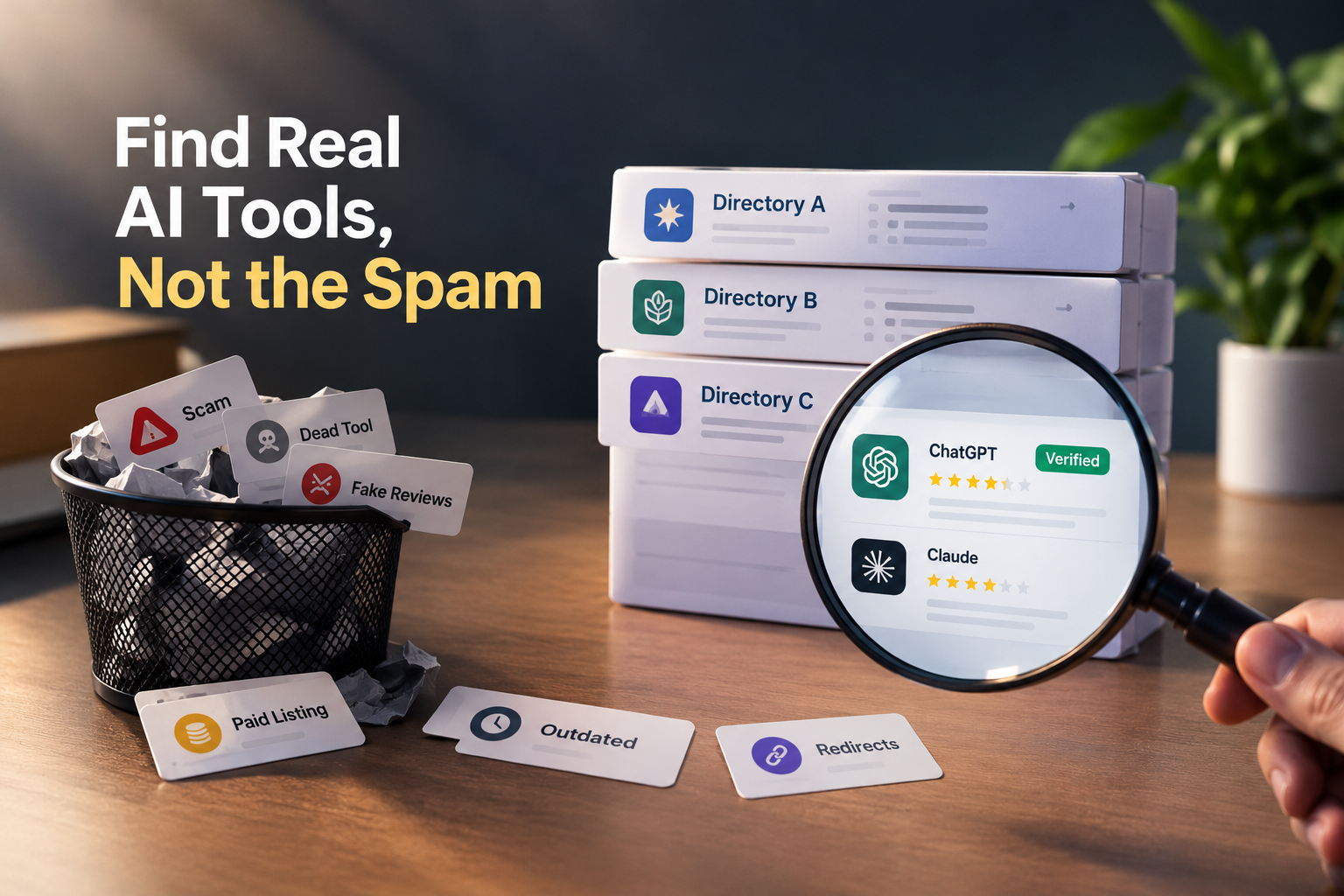
Where to Find AI Tools Without Spam (and How to Tell a Directory Is Lying to You)
Most AI directories are selling placement, not truth. Learn the 60-second audit that exposes fake ratings, paid badges, and dead listings and where to find AI tools people actually trust.

ChatGPT for Brand Voice: Can It Sound Like You?
ChatGPT for brand voice works when you stop asking it to be your brand and start giving it the constraints, examples, and behavioral rules it needs to match your brand. The model is a voice-matching engine, not a brand guardian.