

Best AI Tools for Small Business: Complete Guide (2026)
Most small business owners do not need another $20 AI subscription. They need a filter. Here is what the data says. 66% of SMBs use AI, but only 14% have integrated it across core operations. Nearly half are increasing AI budgets this year. 24% say data security is their top barrier.
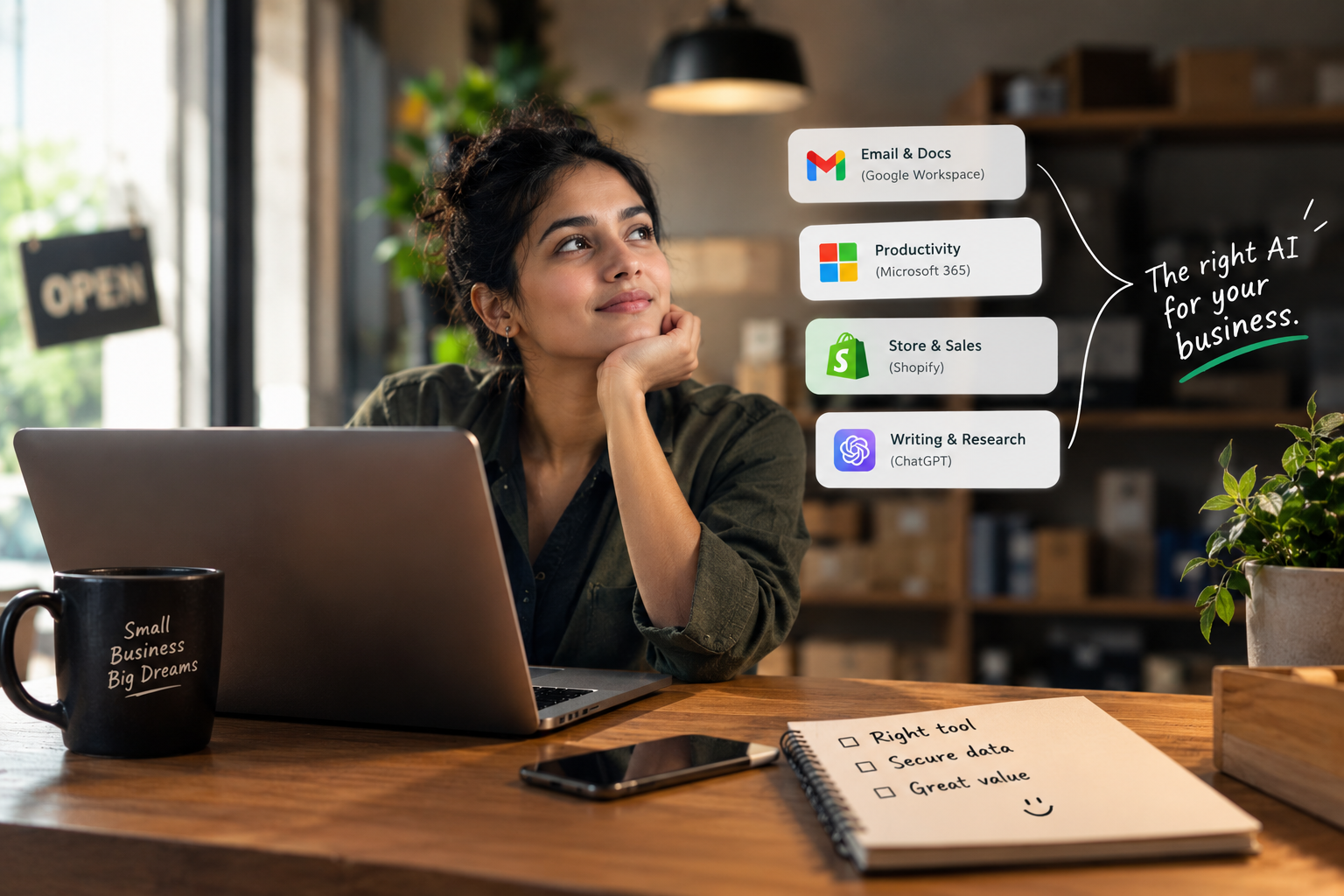
The best AI tool for your small business is not the most popular one. It is the one that fits your task, protects your data, and costs what you can afford at team scale. Start by turning on AI inside tools you already pay for. Then add one affordable tool per job.
Most small business owners do not need another $20 AI subscription. They need a filter. With 66% of small businesses now using AI, the problem has shifted from access to selection. The right tool removes one specific workflow, does not train on your customer data, and costs less than the value it creates.
Why Most Small Businesses Own AI Tools But Do Not Use Them
The 14% Implementation Gap
Adoption is not the problem. Nearly nine in ten small businesses use AI in some form. But only 14% have integrated it across their core operations. The gap is not technical. It is strategic. Owners buy a tool because a list told them to, then discover it does not fit their daily workflow. The tool sits unused, and the subscription renews.
The Cost of Choosing Wrong
The financial stakes are real. Nearly half of small businesses (48%) are increasing their AI budgets in 2026, and 12% are increasing spend by as much as 50%. The GTIA study found that 24% of SMBs cite data security, privacy, and compliance concerns as a top barrier to deployment. Choosing wrong is not just a waste of money. It is a data risk and a time sink.
What AI Tools Should a Small Business Use? Start With What You Already Pay For
Before you buy a new tool, open the software you already use. A lot of AI is already included at no extra cost. This is the highest-return move an SMB can make.
The AI Already Inside Google Workspace, Microsoft 365, and Shopify
If you use Google Workspace, Gemini is included in Gmail on every Business plan. Business Standard adds Gemini in Docs and Sheets, and meeting notes in Meet. If you use Microsoft 365, Copilot Chat is free with eligible business plans. If you run a Shopify store, Sidekick is built in and edits products, writes content, and shows changes before applying them. Square sellers get Managerbot for sales and labor reports. These are not trial features. They are working AI inside tools you already pay for.
How to Turn On Built-In AI in Five Minutes
-
Open the admin settings of your existing tool (Google Workspace, Microsoft 365, or Shopify).
-
Search for “AI” or “Copilot” or “Gemini” in the settings menu.
-
Enable the feature for your account or team.
-
Test it on one low-risk task, such as summarizing a meeting or drafting a product description.
-
If it works, cancel any standalone subscription that duplicates that job.
How to Choose AI Tools for a Small Business: The 3 Question Filter
Question 1: Does It Remove One Specific Job?
“Help me work faster” is not a job. “Answer website chat when I am on a call” is a job. “Draft follow-up emails from meeting notes in under two minutes” is a job. If a tool cannot name the exact task it removes, it is not a tool. It is a toy. Apify’s SMB guide uses this same principle: one affordable tool per job, not one tool for everything.
Question 2: Where Does Your Data Go?
This is the question most lists skip. Consumer AI accounts and business AI accounts have different privacy terms. On a personal Gemini account, conversations may undergo human review and chats can be retained for up to three years, even after you delete activity. On an enterprise account, different safeguards apply. Before you upload a customer list or a contract, confirm three things: whether the tool trains on your inputs, where the data is stored, and whether you can delete it on demand. If the vendor cannot answer in one business day, move on.
Question 3: What Does It Cost for Five People, Not One?
The $20 per month tier is the standard for a single user. But a small business is rarely one user. A practical stack for one person costs $40 to $64 per month. For a team of five, that becomes $200 to $320 per month, or $2,400 to $3,840 per year. Ask the vendor for pricing at 1 user, 5 users, and 10 users before you commit. A tool that hides team pricing behind a sales call is a tool that is not confident in its value at your scale.
Best AI Tools for Small Business: The Affordable Shortlist for 2026
This table is a starting point, not a ranking. Use the three-question filter above to decide which job matters most for your next hire or your next free hour. Every tool listed here has a published entry price and a free tier or trial as of October 2026.
| Job | Best Affordable Pick | Entry Price | Data Safety Note | Free Tier |
|---|---|---|---|---|
| Writing and research | ChatGPT or Claude | $20/month | Check whether chats are used for training | Yes |
| Customer service chat | Tidio Lyro | $32.50/month (billed yearly) | 50 free conversations, then usage-based | Yes |
| Answering calls | Smith.ai | $150/month (Pro) | Human backup available; confirm retention | 25 calls/month |
| Marketing and design | Canva | $18/month (Pro) | 20 AI uses/month on free plan | Yes |
| CRM and leads | HubSpot Starter | $20/user/month | Free CRM with AI; check data policy | Yes |
| Bookkeeping | QuickBooks Online | $38/month | AI reads and updates data; confirm training opt out | Yes (without AI) |
| Workflow automation | n8n or Make | $0 to $24/month | Self-hosted option for sensitive workflows | Yes (self-hosted) |
Writing and Research
ChatGPT and Claude remain the two default generalists. ChatGPT has the broadest ecosystem of integrations and custom GPTs. Claude is stronger for long document analysis and careful writing. For a small business, the practical difference is smaller than the marketing suggests. Pick one, use it daily for two weeks, and note where it consistently fails. That failure point is where you need a specialist tool.
Customer Service and Calls
Tidio Lyro handles website chat with 50 free AI conversations, then $32.50 per month billed yearly. For phone calls, Smith.ai offers 25 free calls per month, then $150 per month for the Pro plan. These are not replacements for a receptionist. They are filters that handle the repetitive questions so you can handle the complex ones.
Marketing and Design
Canva remains the fastest path from blank page to on-brand marketing material. The free plan includes 20 AI uses per month. Pro at $18 per month unlocks more. For written marketing copy, Jasper and Copy.ai specialize in brand voice, but for most SMBs, a general assistant like ChatGPT or Claude plus a clear brand brief is sufficient.
Accounting and Bookkeeping
QuickBooks Online at $38 per month includes AI features that let ChatGPT and Claude read and update your financial data through integrations. This is a significant workflow improvement: you can ask a question in natural language and get an answer based on your actual books. Confirm that the integration does not train external models on your financial data.
Workflow Automation
Zapier and Make are the two default no-code automation platforms. n8n offers a self-hosted option for businesses that need full control over data flows. The ROI on automation is often the highest of any AI category, because it removes repetitive manual work that does not require judgment. A practical SMB stack often includes one automation tool before it includes a second chatbot.
How Much Should a Small Business Spend on AI in 2026?
The $20 Tier Is the Standard
Claude Pro, ChatGPT Plus, and Perplexity Pro all sit at $20 per month. Google AI Pro is $19.99. This tier now includes reasoning capabilities that were premium features two years ago. For a solo owner or a very small team, $20 to $40 per month is enough to cover writing, research, and basic automation.
The Practical Stack: $40 to $64 per Month
A single user stack of one primary AI ($20), one research tool ($20), and one automation platform ($0 to $24) costs $40 to $64 per month and covers most of what a small business needs. The mistake most owners make is buying a second chatbot subscription before connecting the tools they already have. Automation first. Additional chatbots second.
Which AI Tools Are Safe for Small Business Data?
The Consumer vs. Business Account Trap
The same brand can offer radically different privacy protections depending on the account type. Google’s own documentation states that personal Gemini accounts may have conversations reviewed by humans and retained for up to three years, even after deletion. Business and enterprise accounts have different terms. The lesson is simple: never upload customer data, contracts, or financial records to a consumer AI account. Use the business tier, or use a tool with a self-hosted option.
Tools With Clear Data Commitments
Microsoft 365 Copilot, Claude for Enterprise, and Gemini for Workspace publish detailed data governance documentation. Smaller tools often do not. That does not make them unsafe, but it makes them an unknown risk. Anthropic’s Claude Duet includes a classifier and safety prompts that reject requests to share credit card numbers and government IDs, which is a meaningful safeguard for SMBs handling sensitive information. When evaluating any tool, ask the three data questions from the filter above. If the vendor cannot answer, assume the worst.
Key Takeaways
-
Turn on AI you already pay for first. Gemini in Google Workspace and Copilot Chat in Microsoft 365 are included, not add-ons.
-
Use one tool per job. The most practical SMB stack costs $40 to $64 per month for one user.
-
Data safety is a filter, not a feature. Consumer accounts and business accounts have different privacy terms. Never mix them.
-
Ask for team pricing before you commit. A tool that hides pricing for five users is a red flag.
-
Automation delivers the highest ROI. Connect your existing tools before buying another chatbot.
Discover Tools Mentioned in this Guide
Explore our curated database of 2,600+ verified artificial intelligence software, benchmarks, and honest user reviews.
Related Guides & Articles
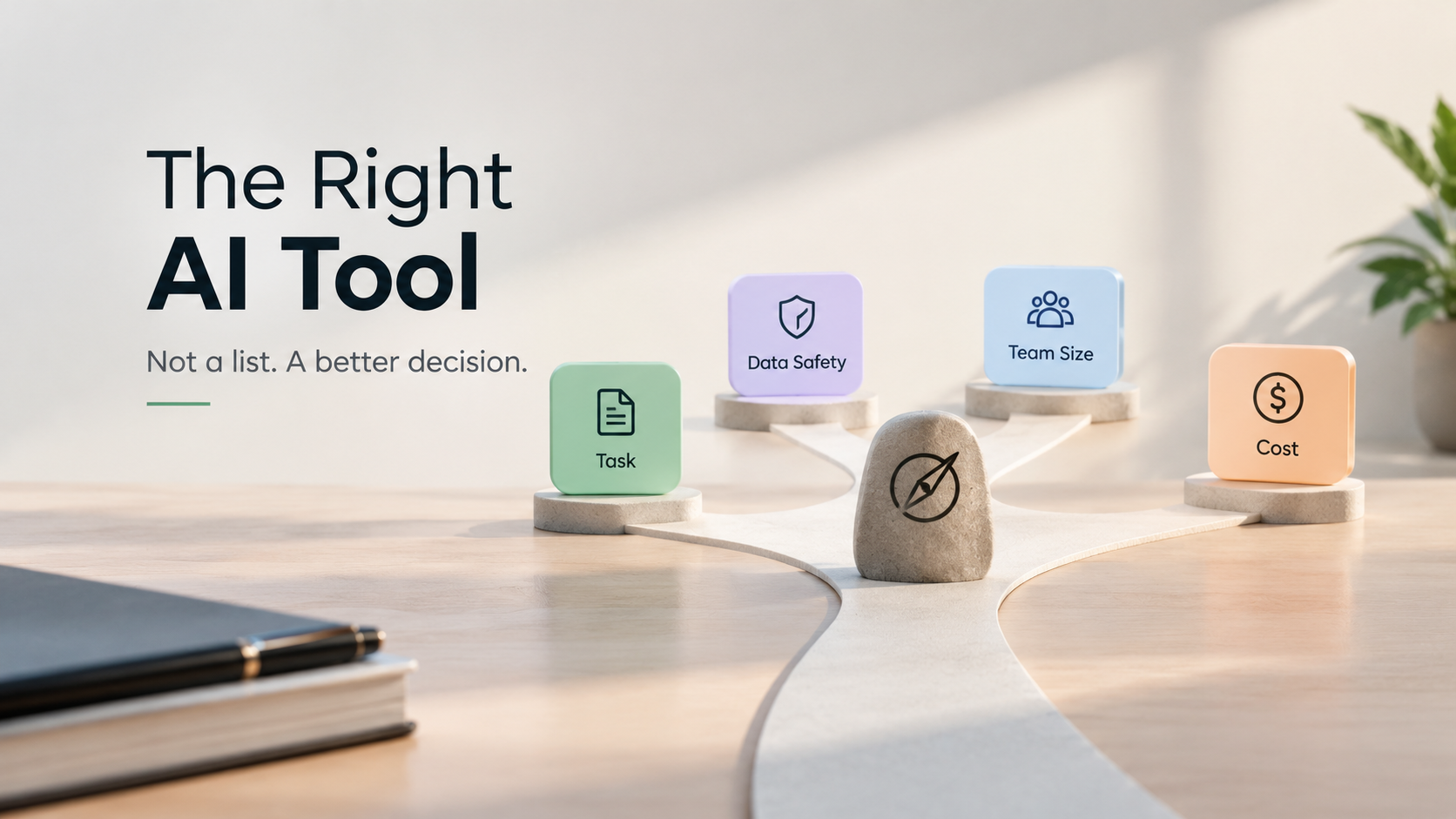
AI Tools List: The Complete Guide to Finding the Right AI Tool
Most AI tools lists rank products by popularity. We rank them by task fit, data safety, and cost to scale. Read the complete guide and find your next tool in under ten minutes.
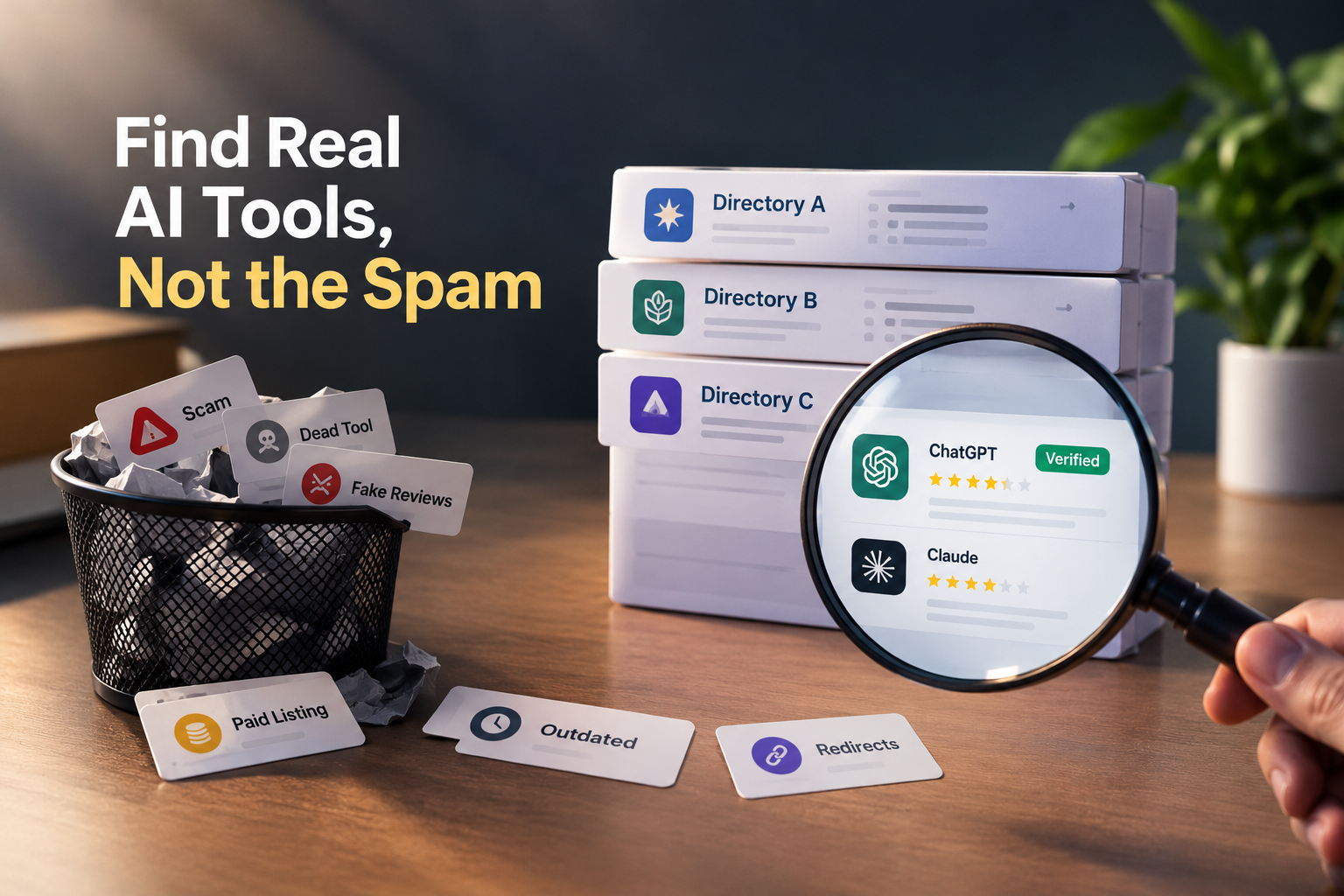
Where to Find AI Tools Without Spam (and How to Tell a Directory Is Lying to You)
Most AI directories are selling placement, not truth. Learn the 60-second audit that exposes fake ratings, paid badges, and dead listings and where to find AI tools people actually trust.

ChatGPT for Brand Voice: Can It Sound Like You?
ChatGPT for brand voice works when you stop asking it to be your brand and start giving it the constraints, examples, and behavioral rules it needs to match your brand. The model is a voice-matching engine, not a brand guardian.